
eSIM vs Physical SIM Card for Travel: Which Should You Choose in 2026?
A detailed comparison of eSIM and physical SIM cards for international travel. Covers pricing differences, activation process, device compatibility, and real cost examples for Japan, Thailand, and Europe trips.
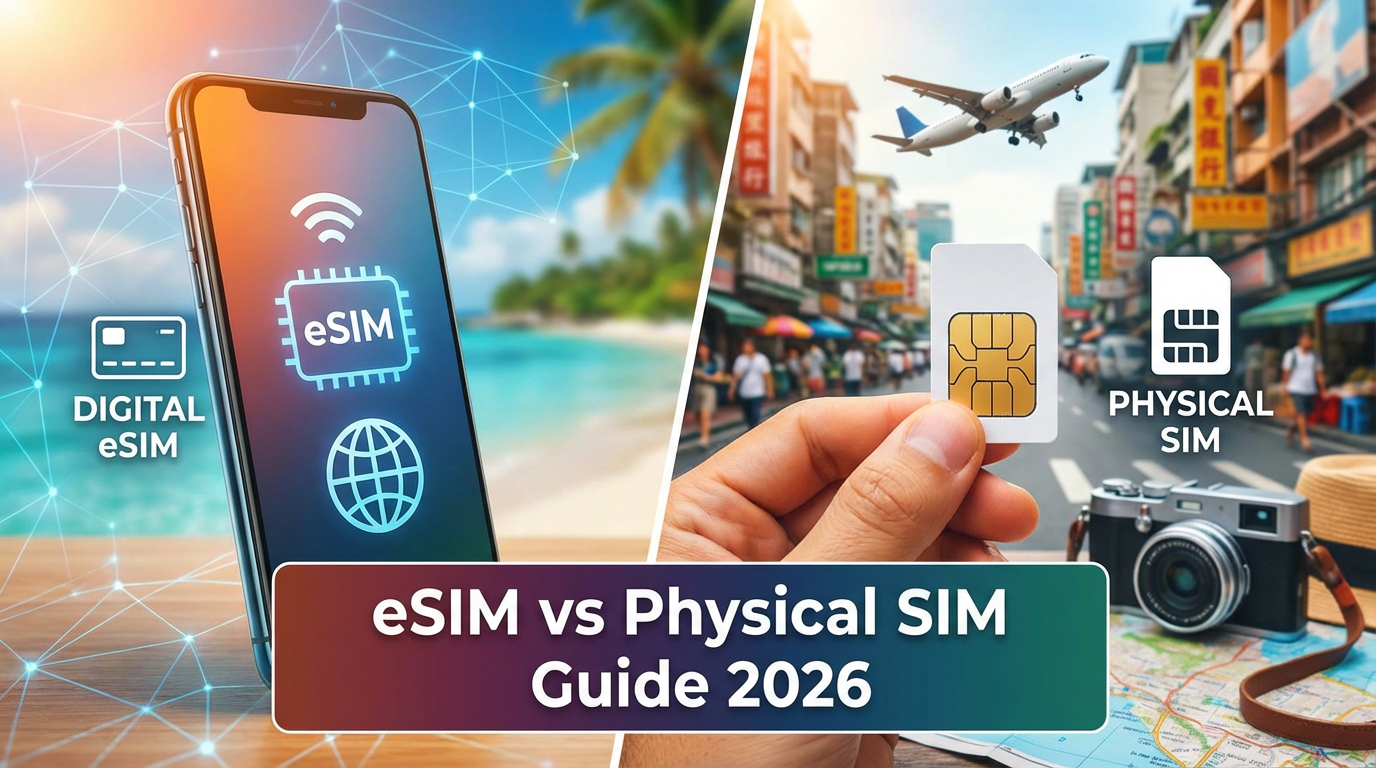
Still debating whether to get an eSIM or a physical SIM card for your next trip? This guide breaks down the real differences based on cost, convenience, and coverage to help you decide.
Quick Answer
For most travelers in 2026, eSIM is the better choice. It's cheaper, faster to activate, and doesn't require swapping physical cards. The only exception is if your phone doesn't support eSIM or you're traveling to a country with very limited eSIM coverage.
What's the Difference?
Physical SIM Card
A small chip you insert into your phone's SIM tray. You buy it at an airport shop, convenience store, or carrier store at your destination.
eSIM (Embedded SIM)
A digital SIM built into your phone. You download a data plan via QR code or app — no physical card needed. Your phone can run both your home SIM and an eSIM simultaneously (dual SIM).
Side-by-Side Comparison
| Feature | eSIM | Physical SIM Card |
|---|---|---|
| Activation time | 2-5 minutes (before or after arrival) | 15-60 minutes (find shop, queue, register) |
| Price (Japan, 10GB) | ~$8.93 | ~$15-25 |
| Price (Thailand, 10GB) | ~$8.93 | ~$10-20 |
| Price (Europe, 10GB) | ~$18-25 | ~$20-35 |
| Passport/ID required | No | Yes (in most countries) |
| Keep your home number | Yes (dual SIM) | Need to swap cards |
| Multi-country trips | One plan for multiple countries | Buy new SIM per country |
| Top-up | Online, instant | Visit a store or use local app |
| Risk of losing card | None | Easy to lose the tiny card |
| Phone compatibility | iPhone XS+, Samsung S20+, Pixel 3+ | All phones |
When eSIM Wins
1. Multi-Country Trips
Traveling through Europe, Southeast Asia, or multiple countries? An eSIM regional plan covers 30+ countries with one purchase. With physical SIMs, you'd need to buy a new card at each border.
2. Short Trips (1-7 Days)
For a quick trip, spending 30 minutes at an airport SIM shop doesn't make sense when you can activate an eSIM before you board your flight.
3. Business Travel
You need to be connected the moment you land. eSIM activates instantly — no hunting for a SIM shop after a long flight.
4. Keeping Your Home Number
With eSIM + dual SIM, your home number stays active for calls and SMS while the eSIM handles data. With a physical SIM, you either swap cards (losing your number temporarily) or carry two phones.
When Physical SIM Might Be Better
1. Older Phones
If your phone doesn't support eSIM, a physical SIM is your only option. Check your phone's settings to verify eSIM support.
2. Need a Local Phone Number
Some services require a local number for verification. Most eSIM plans are data-only. If you specifically need a Thai, Japanese, or European phone number, a local physical SIM provides that.
3. Very Long Stays (3+ Months)
For extended stays, a local carrier's physical SIM with a monthly plan might offer better value than travel eSIM plans.
eSIM Compatible Devices (2026)
Apple: iPhone XS, XR, 11, 12, 13, 14, 15, 16 and all Pro/Max variants, iPad Pro (2018+), iPad Air (2019+)
Samsung: Galaxy S20 and newer, Galaxy Z Flip/Fold series, Galaxy A54 and newer
Google: Pixel 3 and newer
Others: Motorola Razr, OPPO Find X5+, Sony Xperia 1 IV+, Huawei P40+
How to check: Go to Settings → About Phone → look for "EID" number. If you see one, your phone supports eSIM.
Real Cost Comparison: 7-Day Japan Trip
Let's compare the actual cost for a typical 7-day trip to Japan:
| Option | Plan | Total Cost | Hassle Level |
|---|---|---|---|
| eSIM (eSIMHop) | 1GB/day × 7 days | $13.30 | Low (activate before flight) |
| Airport SIM (BIC Camera) | 10GB/7 days | $20-25 | Medium (find shop, queue, register) |
| Pocket WiFi rental | Unlimited/7 days | $45-70 | High (pick up, carry, charge, return) |
| Carrier roaming (US carrier) | Pay-per-use | $70-150+ | None (but expensive) |
How to Switch from Physical SIM to eSIM
If you've been using physical SIM cards for travel and want to try eSIM:
- Verify your phone supports eSIM (check settings for EID)
- Purchase an eSIM plan for your destination
- Scan the QR code to install the eSIM profile
- Keep your physical home SIM in the tray for calls/SMS
- Set the eSIM as your data line when you arrive
You don't need to remove your physical SIM. Both work simultaneously.
Frequently Asked Questions
Can I use eSIM and physical SIM at the same time?
Yes. Modern phones support dual SIM (one physical + one eSIM). You can keep your home SIM for calls and use the eSIM for data abroad.
Is eSIM data slower than a physical SIM?
No. eSIM connects to the same networks at the same speeds. There's no performance difference.
What happens if I run out of eSIM data?
You can purchase additional data online. Some providers allow instant top-ups without reinstalling the eSIM.
Can I reuse an eSIM for future trips?
It depends on the provider and plan. Some eSIM profiles can be reactivated with a new data package. Others require a new installation.
Is eSIM safe and secure?
Yes. eSIM uses the same encryption and security standards as physical SIM cards. It's actually more secure because it can't be physically stolen or cloned.
Ready to try eSIM for your next trip? Browse plans at eSIMHop.
Download the eSIMHop app for easier management
Buy, install and manage your eSIM plans on the go